
Understand the feature list · Toronto & GTA
Useful capabilities. Clear boundaries.
Compare what the product documents with what your property actually needs. A feature can be available without being included in every proposed package or appropriate for every entrance.
In short
How should the feature list be used?
A checklist for confirming the proposed configuration
Use it to ask precise questions about the installation rather than assume every documented option is included. SmartphoneKey describes phone and card credentials, guest permissions, schedules and portal administration. Package conditions, connection choices and the physical door still need confirmation in the scope you are comparing.
Confirm the functions the proposal must include
Which capability matters to your purchase decision?
Name the functions you need and the equipment you want to retain. Confirm each one in the assessed proposal.
State the operating requirement
Identify the task you expect each capability to support.
Check product and property fit
Confirm equipment dependencies and required software connections.
Review package boundaries
Agree supported functions, training and any continuing charges.
Example, not a completed project
A camera requirement needs more detail than the word compatible.
Imagine a property that wants to keep an existing camera while comparing a reader installation. The product's documented ONVIF-compatible option introduces a relevant question; it does not establish the unknown camera's support, the supplied package or the permissions each operator should receive. Name the model and intended use, then request confirmation of that particular relationship. Keep the requirement open if it has not been checked. This is a configuration example, not a completed camera test, a claim that all surveillance products connect or authorization to expose private camera access in a planning form.
Use a feature-to-requirement comparison
Make the evidence behind each purchase condition visible.
Instead of treating a long feature list as one promise, compare the function, its intended user and the proposal that would supply it. This keeps an unanswered dependency from disappearing behind a familiar technology name.
Write the requirement precisely
- For credentials, identify the people who need supported phone keys or physical cards and the issuing routine they will use. A search result mentioning another brand's fob, keypad or fingerprint method does not establish that it belongs in the SmartphoneKey proposal. Name an essential entry method explicitly.
- For guest permission or schedules, describe the authorized purpose and who maintains changes. A time window, use limit and weekly lock schedule support different decisions. Keep a required connection to booking, membership or personnel software separate until its exact behaviour and availability have been verified.
- For administration and records, state which manager needs which responsibility. A door activity event and an administrator's change record answer different questions. Do not turn either into an assumed attendance record, identity check or complete account of somebody's time inside the property.
Ask what the proposed package establishes
- Identify the supplied reader model, chosen connection and any relevant package conditions. Ask which functions are included rather than assuming the broad product overview describes every quote. A mobile-network option addresses connectivity while the entrance still requires an assessed electrical and locking arrangement.
- Name the actual connected equipment and ask for its relationship to the proposed configuration to be confirmed. Matter and ONVIF are meaningful support terms, but their presence in a feature list is not evidence for every unidentified device. Include the intended operator permissions in the discussion of connected options.
- Record the capability that was demonstrated, the configuration it used and any unanswered condition. Keep continuing charges, operating contacts and the scope of handover with that information. The comparison should let the purchaser distinguish documented product support from a requirement still waiting for a specific check.
Read by responsibility
The person entering and the administrator need different things.
Group capabilities by the job they support. That makes a proposal easier to evaluate than a long list of unrelated technology names.
Credentials at the entrance
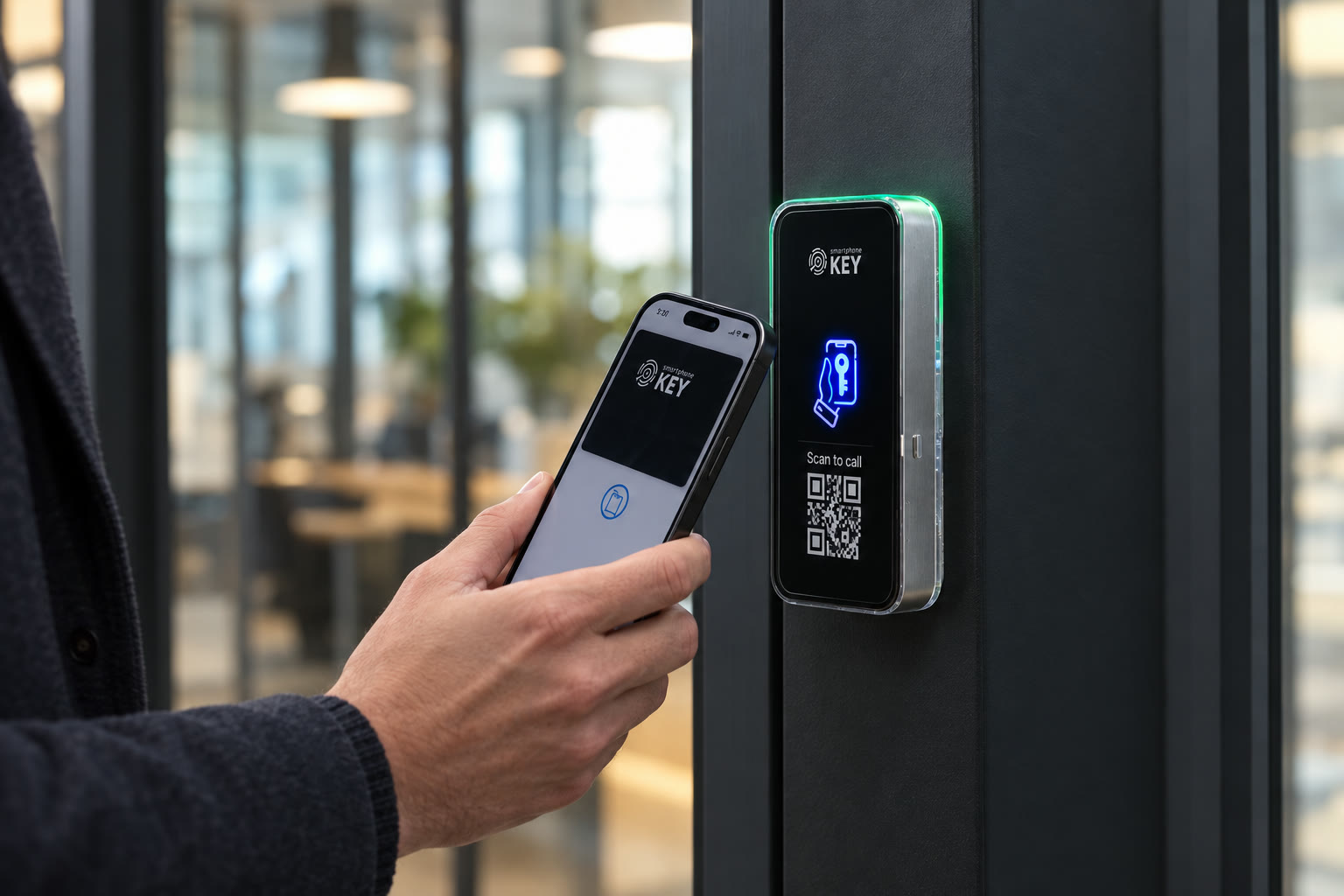
Published options include Apple Wallet and Google Wallet keys plus SmartphoneKey NFC cards. Confirm supported devices and how credentials will be issued. Another manufacturer's fob or a keypad product appearing in search results is not evidence of an included SmartphoneKey feature.
Permissions for a visit
Guest keys can be bounded by time and allowed uses, and one-use permissions are documented. Agree who issues them and how changes are handled. A limit is only useful when it matches the authorized purpose of the visit.
Administration across doors
The browser portal supports people, locks, site grouping and local administrators, along with activity and administrative audit records. Decide which managers should control each site. The record of an admin change is different from an access event at a door.
Connection and additional equipment
The materials describe Wi-Fi and LTE model choices, Matter support and ONVIF-compatible camera options with camera roles. Confirm the exact model, package and connected equipment rather than treating these names as compatibility with every existing smart-home or surveillance product.
The source materials describe credential options, permission limits, schedules, portal roles, Wi-Fi/LTE choices, Matter support and ONVIF-compatible camera options. This comparison checklist adds purchase questions, not new supported integrations, subscription entitlements or verification of third-party equipment.


Connect each feature to the assessed configuration
Name the exact function and the equipment it depends on.
Bring the capabilities on which the purchase depends and identify any equipment the property wants to retain. Ask the assessor to confirm the supplied model, package, connection and supported interfaces for that proposal. The physical opening still needs suitable locking hardware and power even when a feature concerns a mobile connection or administration. Keep a required camera, automation or credential relationship unresolved until the particular configuration has been confirmed; a general feature name is not a compatibility finding for unidentified equipment.
Is it the right fit?
Can the essential functions be confirmed for this proposal?
The configuration and operating roles are identifiable
- You want to confirm a concrete configuration before buying.
- Access and administration roles can be defined.
- The proposal can distinguish included functions from optional requirements.
A feature name is carrying an unverified assumption
- You need unverified automatic links to third-party booking software.
- You want a feature name to guarantee compatibility with unrelated equipment.
Confirm the configuration behind the feature name
Ask what is included, what was checked and what remains open.
A documented capability and a confirmed installation requirement are different pieces of evidence. The proposal should connect them for the actual equipment and operating roles you intend to use.
Are activity and audit logs the same thing?
They answer different questions. Activity records concern credential use and door interactions; administrative audit records concern changes made in management. Neither should be described as a complete history of everything happening inside a property.
Does Matter support mean any device will work?
No universal compatibility is established. Check the specific configuration and equipment against the documented support before including an automation in the installation brief.
Can every current camera be connected?
The product describes ONVIF-compatible cameras and camera roles. That is a compatibility condition, not proof about an unidentified camera already at your property. Confirm the model and proposed access permissions.
Will the LTE option remove the power requirement?
No. A mobile connection and the power arrangement solve different needs. The reader and electric lock still require an appropriate assessed supply and wiring.
Which functions are included in the quote?
Ask the provider to identify the supplied model, package, credentials and connected options explicitly. A general feature overview cannot determine which subscription conditions apply to a particular proposal.
Does a feature overview establish my package entitlement?
It describes published capabilities, not the contents or conditions of an individual proposal. Ask the provider to identify the supplied model, relevant package, intended users and any continuing charges. Keep a function important to the purchase explicit until its inclusion is confirmed rather than assuming it follows from appearing on a general product page.
How should we record a function that has not been checked?
Name the required behaviour, the relevant equipment or software and the evidence still needed for the proposed configuration. Leave the condition open in the comparison. A demonstration of another function or a broad statement of product support does not verify an unrelated integration, unidentified device or operating role.
Can the same manager automatically control every grouped site?
Decide administration roles deliberately for the property. The materials describe grouping and local administrators, but that does not establish the permissions the purchaser should assign to each person. Explain which sites and actions each role needs, then confirm the actual setup and handover rather than assuming all managers receive identical reach.
Next step
Turn the feature list into questions.
Name the functions you need and the equipment you want to retain. Confirm each one in the assessed proposal.
Request a door checkRequest the confirmed configuration beside the cost
Name the model, connection, included credentials, administrative roles and any connected options in the proposal. Show necessary hardware and supply work with package conditions and continuing charges. Keep required but unverified functions visible so the purchase can be assessed against the actual confirmed scope.
For the Toronto/GTA discussion, prepare the intended function list and equipment models where known. Arrange an authorized review of the opening before assuming that a feature comparison settles installation suitability. This preview orders no subscription, connects no third-party device and schedules no configuration work.